What Does Checking Wallet Balance Mean?
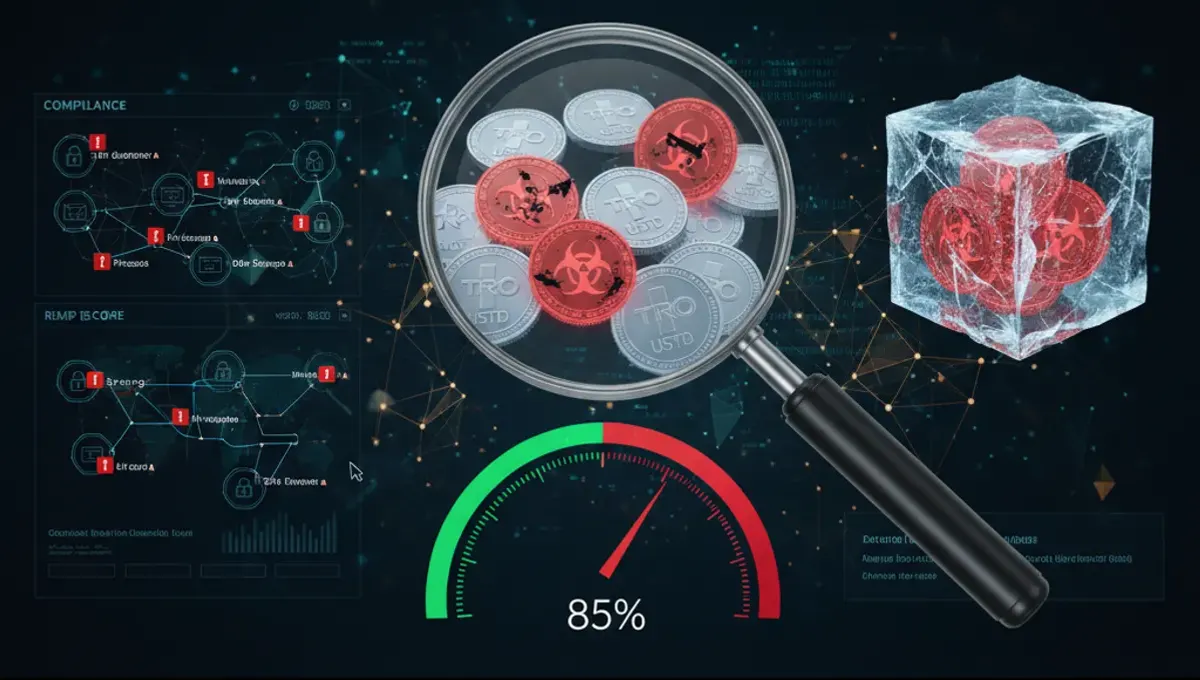
Checking your wallet balance means viewing the total amount of cryptocurrency held at a specific address. For Bitcoin and Ethereum, you can view balances on public blockchain explorers by pasting your wallet address. For Tron (TRX) and USDT on Tron, the process is identical—use a TRX explorer or Tron-specific tools. Your balance is always public on the blockchain; anyone with your address can see it. However, balance and wallet health are different. A wallet can hold a large balance but still contain tainted coins from mixers, darknet markets, or stolen funds. That's where AML wallet screening comes in: it reveals not just how much you have, but whether those coins carry compliance risk.
How to Check Your Wallet Balance Step by Step
- Locate your wallet address: Copy the public address from your wallet app (MetaMask, Trust Wallet, hardware wallets, or exchange accounts all display this).
- Choose a blockchain explorer: Bitcoin addresses use blockchain.com or mempool.space; Ethereum uses etherscan.io; Tron addresses use tronscan.io.
- Paste your address into the search bar and press Enter.
- View your balance: The explorer displays your total holdings, transaction history, and token balances (USDT, USDC, etc.).
- For Blue Wallet or other mobile wallets, open the app and your balance appears on the home screen; tap to see transaction details.
- Note that balances update in real time as transactions confirm on the blockchain. If you've just sent or received funds, wait for network confirmation (typically 1–15 minutes depending on the chain).
Why AML Wallet Checks Matter Beyond Balance
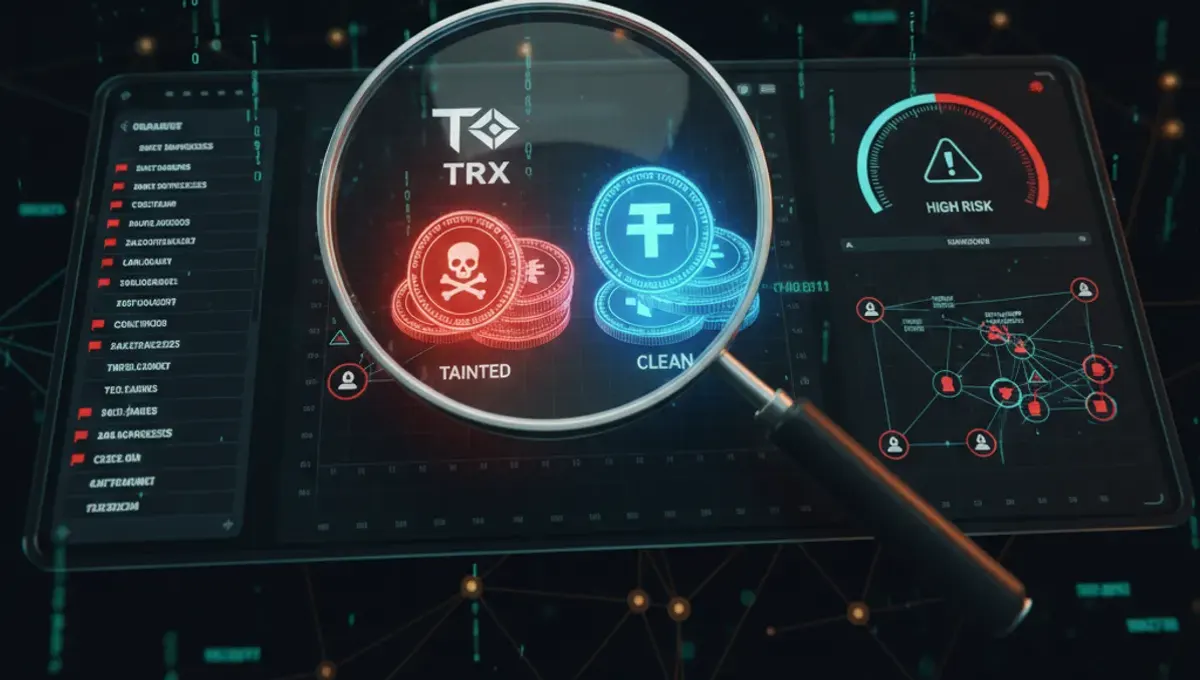
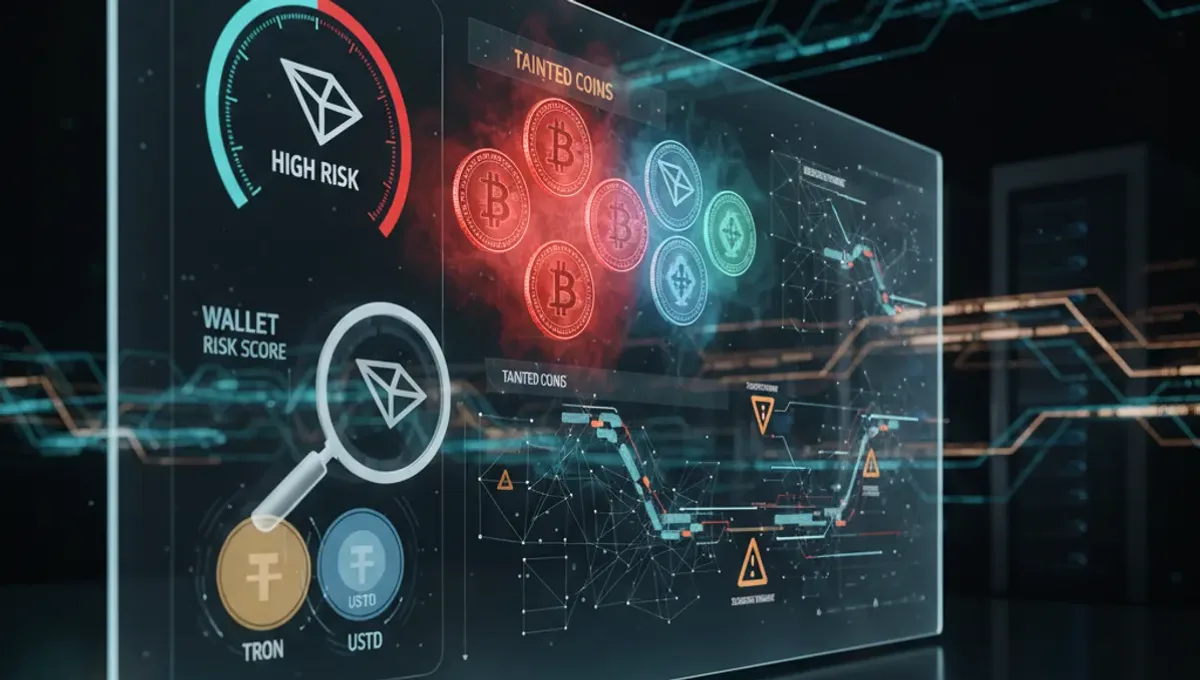
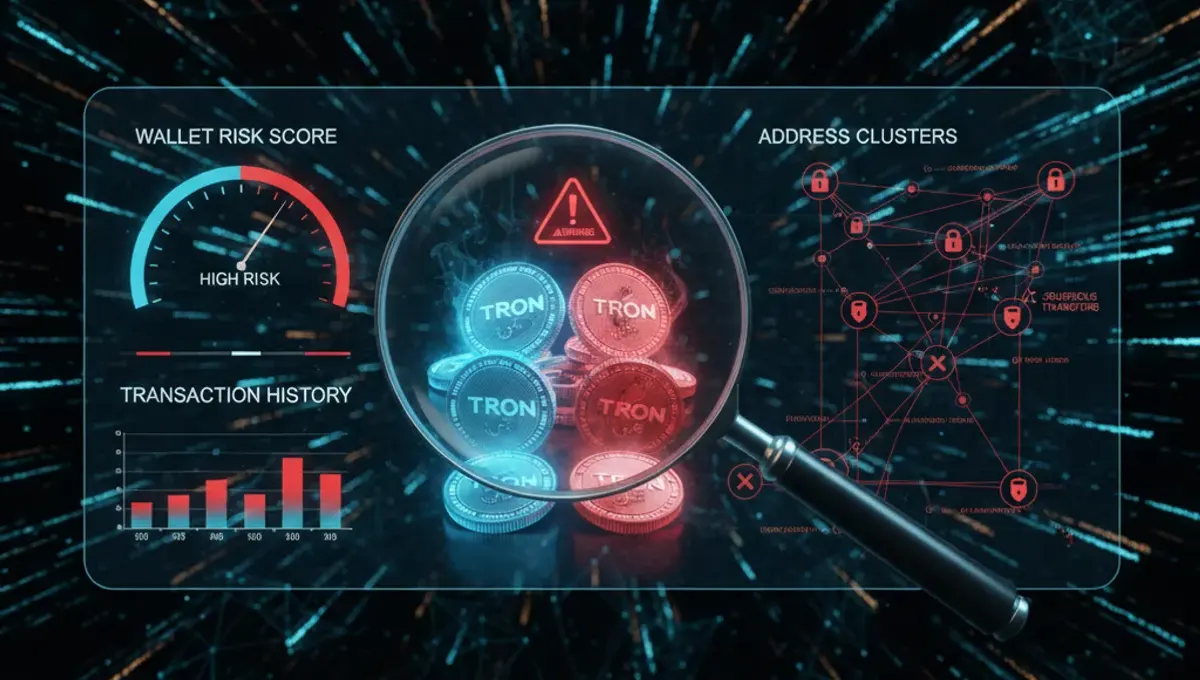
Checking wallet balance tells you quantity; an AML crypto wallet check tells you quality and risk. Exchanges, payment processors, and financial institutions now screen incoming wallets for compliance. If you receive USDT or Bitcoin from a wallet flagged as high-risk—linked to mixers, ransomware, sanctions lists, or darknet markets—your exchange account can be frozen, your funds held, or your transaction rejected. A crypto wallet AML check scans your address against known risk sources and assigns a risk score. Low-risk wallets have clean transaction histories; high-risk wallets show exposure to stolen funds, gambling platforms, or sanctioned entities. Running an AML check before receiving large transfers protects you from inheriting compliance liability.
How to Run an AML Check on Your Crypto Wallet
To perform an AML crypto wallet check:
- Gather your wallet address (Bitcoin, Ethereum, Tron, or other supported chains).
- Visit a trusted AML screening service—our curated list of verified AML services on this site includes tools designed for wallet screening and risk assessment.
- Paste your address into the checker and run the scan.
- Review your risk score: typically rated as low, medium, or high based on transaction patterns and counterparty exposure.
- Examine the detailed report: it flags specific risks such as mixer exposure, darknet links, sanctioned entity connections, or stolen fund traces.
- If your wallet shows medium or high risk, investigate the flagged transactions and consider whether to accept incoming funds from that source. Many users run checks before accepting large payments or before depositing to an exchange.
Understanding Crypto Wallet Risk Scores
A risk score quantifies the likelihood that a wallet or transaction involves compliance violations. Scores typically range from 0–100 or are labeled low, medium, high. Low-risk wallets (0–20 score) show clean transaction histories with no mixer or darknet exposure. Medium-risk wallets (21–60) may have some exposure to higher-risk services or unverified counterparties but no direct sanctions or theft links. High-risk wallets (61–100) show direct connections to mixers, darknet markets, ransomware, stolen funds, or sanctioned entities. Exchanges often reject deposits from high-risk wallets or freeze accounts. Acceptable thresholds vary by institution: some accept up to medium risk, others only low-risk wallets. Before receiving a large USDT or TRX transfer, check the sender's wallet risk score to avoid frozen funds or account restrictions.
What to Do If Your Wallet Is Flagged as High-Risk
If an AML wallet check flags your address as high-risk, take these steps:
- Review the flagged transactions: Examine which specific transfers or addresses triggered the flag. Many flags result from receiving funds from a risky source, not from your own actions.
- Trace the source: Determine whether you knowingly received funds from a mixer, gambling platform, or other high-risk service. If not, investigate further.
- Document your intent: If the flag is a false positive or the result of receiving unsolicited funds, keep records of your legitimate activity.
- Consolidate or move funds: Some users move clean funds to a new wallet to separate them from flagged coins. This does not erase the blockchain history but creates a cleaner address going forward.
- Contact your exchange: If you plan to deposit flagged coins, inform your exchange's compliance team in advance. Transparency often prevents account freezes.
- Avoid mixers and high-risk services: Do not send flagged coins through mixers or privacy tools, as this increases compliance risk and may trigger regulatory scrutiny.
Best Practices for Wallet Screening Before Receiving Funds
Protect yourself by screening wallets before accepting large transfers:
- Request the sender's wallet address before the transaction.
- Run an AML check on the sender's wallet using a trusted service from our verified AML services list.
- Review the risk score and any flagged issues. If high-risk, ask the sender to clarify the source of their funds.
- Accept only from low or acceptable medium-risk wallets, depending on your exchange's policy.
- For USDT, TRX, and other stablecoins, risk is especially important because frozen USDT or rejected deposits can disrupt business operations.
- Document all checks and approvals for your records in case an exchange later questions the transaction.
- Use consistent AML screening tools so your risk thresholds remain aligned with your compliance standards.
Frequently asked questions
How do I check my Bitcoin or Ethereum wallet balance?
Copy your wallet address and paste it into a blockchain explorer: blockchain.com for Bitcoin or etherscan.io for Ethereum. Your balance appears instantly. For Tron addresses, use tronscan.io. Balances are public and update in real time as transactions confirm.
What is a crypto wallet AML check and why do I need one?
An AML crypto wallet check scans your address for exposure to mixers, darknet markets, stolen funds, and sanctioned entities. You need one because exchanges freeze accounts linked to high-risk wallets. Checking before receiving large transfers prevents compliance problems and frozen USDT or other assets.
Can I check my wallet balance without revealing my identity?
Yes. Blockchain explorers are public and anonymous—you don't need an account to view balances. However, if you deposit to an exchange, the exchange will require identity verification. Checking your balance on a public explorer alone does not expose your identity.
What does a high-risk wallet score mean?
A high-risk score (typically 61–100) indicates the wallet has received funds from mixers, darknet markets, ransomware, or sanctioned entities. Exchanges often reject deposits from high-risk wallets or freeze accounts. Avoid receiving large transfers from high-risk addresses.
How often should I run an AML check on my wallet?
Run an AML check before accepting large transfers or before depositing to an exchange. If you receive funds regularly, check quarterly or whenever your transaction patterns change significantly. One-time checks are sufficient for static wallets with no new activity.